
While working on a project on one of my Windows 8.1 virtual machines, I accidentally locked myself out.
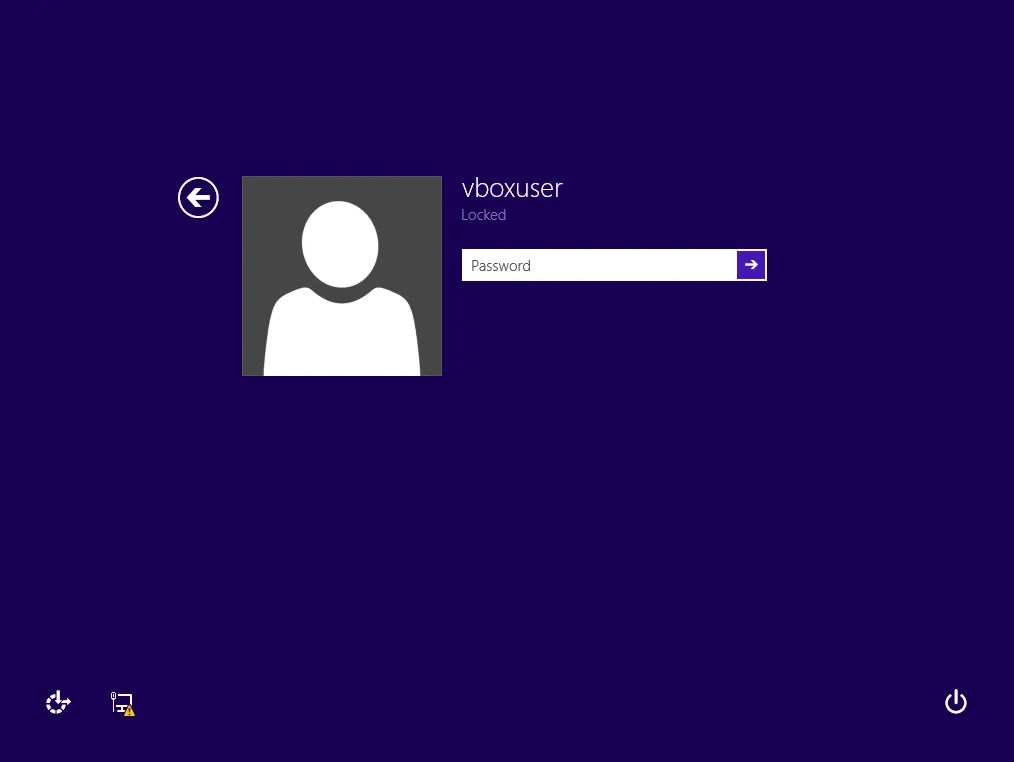
I didn’t remember what the default password was, and although I’m sure I could look into the documentation for the iso to see what it was, I figured this would be a great opportunity to practice some password cracking on it.
In a Windows operating system, there exists a registry hive called SAM (Security Accounts Manager). This stores information about every user on the system, including their passwords. But it’s not as simple as just opening the SAM hive and viewing the password. The password is hashed, and then that hashed password is further encrypted before being stored. In order to get the hashed password, we need to decrypt it using the key from the SYSTEM registry hive. So, our first step to recovering the password will be to obtain both the SAM and SYSTEM registry hives. This can be done by mounting the virtual disk image to the host machine, and finding the registry files in the C:\Windows\System32\config directory.
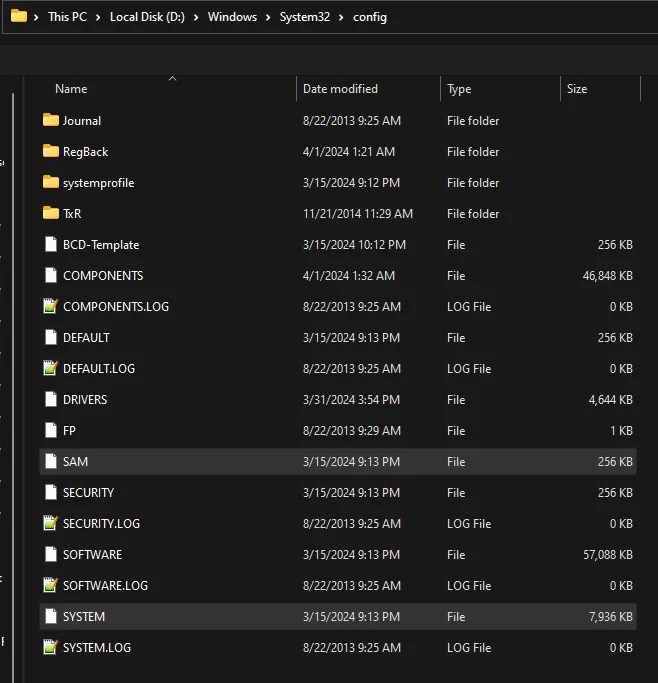
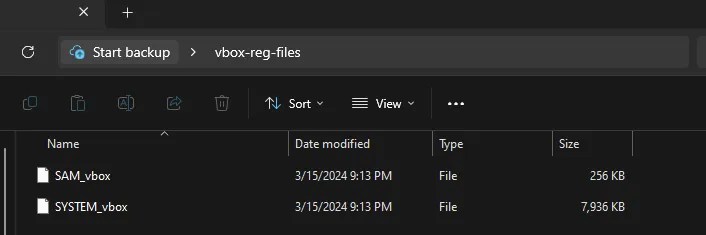
I have saved them to a directory on my desktop and renamed them to access them easier later on.
Now that we have the files, we are going to need to use the key from the SYSTEM file to decrypt and obtain the password hashes from the SAM file. To do this, we will use a tool called mimikatz. Using the tool is very simple. After you have downloaded it, you need to start it as an administrator, and a terminal will appear.
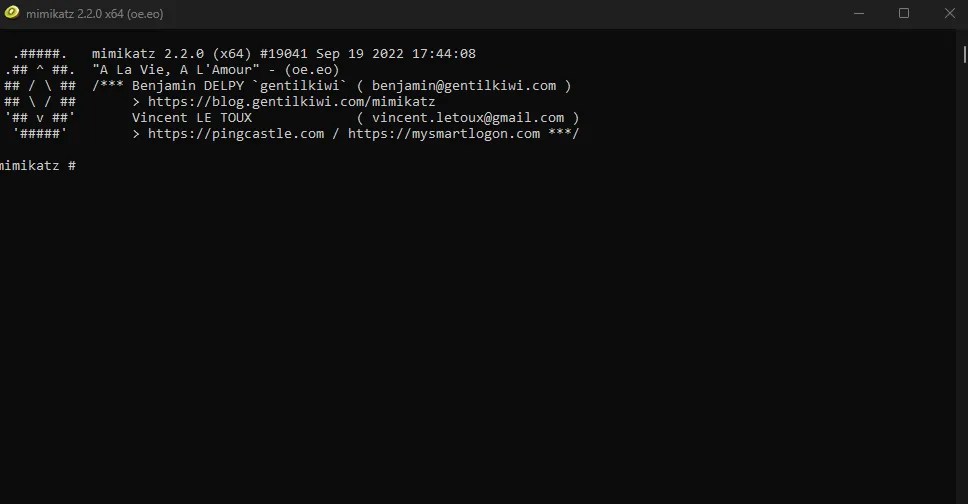
First we will need to elevate our permissions to the system. This is done with two commands.
privilege::debug and token::elevate
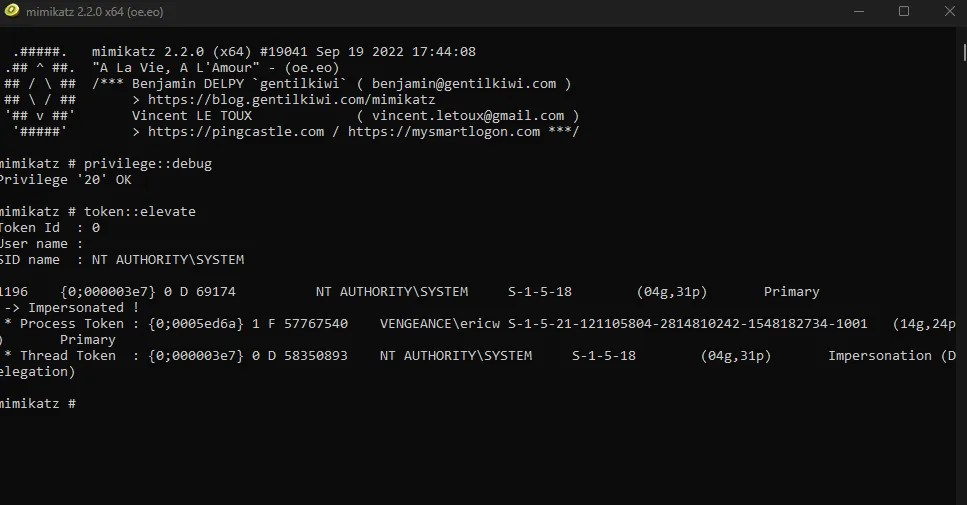
After this, we can dump the information from the SAM file. To do this, we use the following command
lsadump::sam /system:[path_to_SYSTEM_hive] /sam:[path_to_SAM_hive]
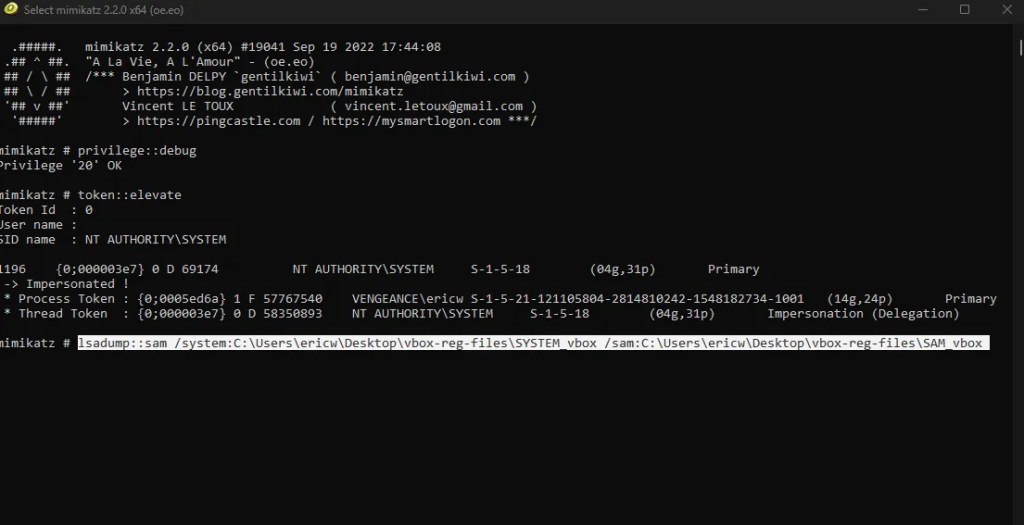
This will dump information for each user on the system, including RID, Username, and NTLM hash for their password. The user I am interested in is vboxuser, so that is the hash we will focus on.
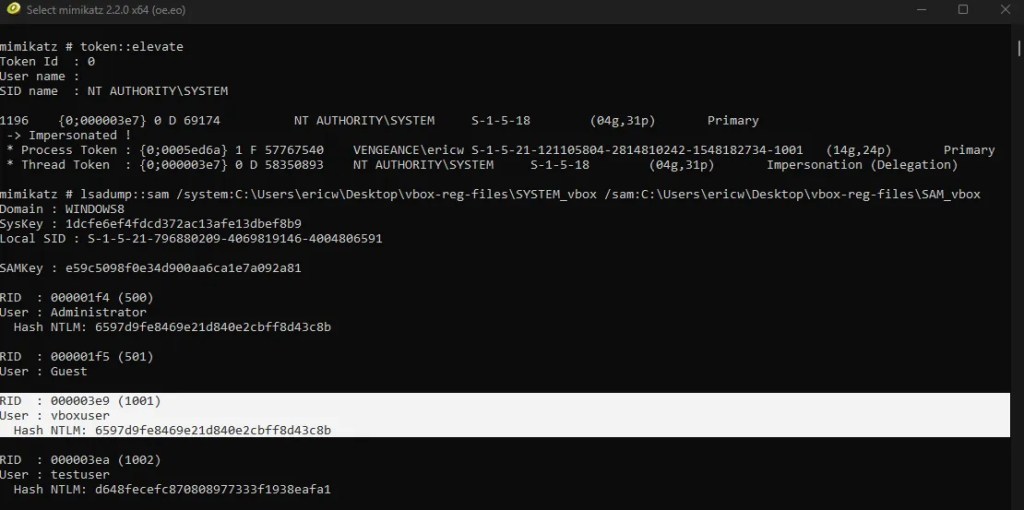
Now that we have obtained the hash, there is only one step left, which is to crack it. Windows NTLM hashes are not salted, so this will not be too difficult. There are plenty of hash cracking programs you can use like Hashcat and John the Ripper, but I decided to program my own NTLM hash cracker using python. Here is the code:
from Crypto.Hash import MD4
import binascii

# method to convert plaintext into ntlm hash
def ntlm_hash(plaintext):
    #  the current libraries have no NTLM hash function, so we are going to replicate the function on our own
    #  NTLM hashes are created by encoding the plaintext with utf-16LE, then hashing that with MD4
    hash_ntlm = MD4.new()  # creates MD4 hash object
    hash_ntlm.update(plaintext.encode('utf-16le'))  # encodes plaintext to utf-16le then hashes it using MD4
    return binascii.hexlify(hash_ntlm.digest()).decode()  # returns the hash

# method to crack ntlm hash
def ntlm_crack(hash_to_crack, wordlist):
    success = False  # flag to indicate whether crack was successful or not

    # open wordlist and read line by line
    with open(wordlist, "r", errors="ignore") as dictionary_list:
        for line in dictionary_list:
            word = line.strip()  # strip whitespace from lines and store the word
            print(f"\rAttempting: {word}                   ", end="")  # Output which word we are currently checking
            if ntlm_hash(word) == hash_to_crack:  # hash the word and check if the hashes match
                print(f"\nCrack successful: {word}\n")
                success = True
                break

    if not success:
        print("\nHash crack failed.\n")
Let’s run the hash through this program and see if it works.
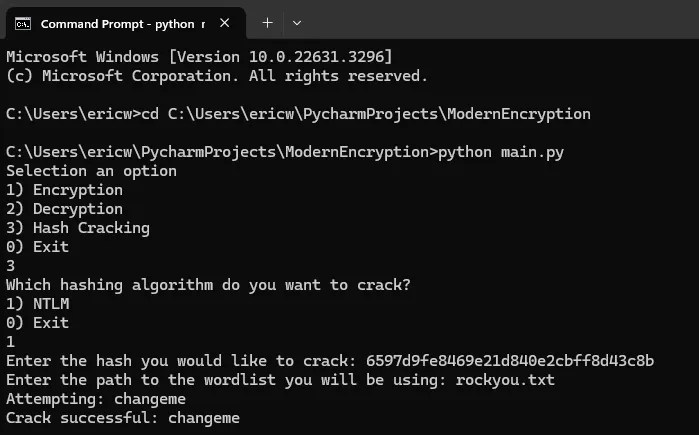
It successfully cracked the hash as “changeme”. And sure enough, this was the correct password that logged me back into my virtual machine.
 Wise Forensics
Leave a comment