
What is AES-256?
Protecting sensitive data is essential, and the best way to do this is through strong encryption. AES (Advanced Encryption Standard) is one of the most widely used encryption algorithm, and is regarded as the strongest. It is currently cryptographically unbreakable. It’s a symmetric encryption algorithm, which means that it uses the same encryption key for both encryption and decryption. The “256” at the end refers to the key size, which is 256 bits in this case. When it comes to data encryption, AES is the standard. I created a basic python program that can encrypt and decrypt files, directories, and text using AES.
How the Program Works
I used the Flet framework to make this into a GUI software, so it’s very user-friendly.

At the top left you can select whether you want to encrypt/decrypt individual files, directories, or text. For this example, we are going to be encrypting a directory with three pictures in it.


To encrypt a directory, you just use the buttons on the screen to select a directory, and then click the “Encrypt Directory” button. Once the encryption is completed, you will see a randomly generated encryption key and IV appear in their respective text boxes. They key is needed to decrypt the data back to it’s original form. The IV (initialization vector) is a random value that is generated alongside the encryption key. The reason for this value is to ensure that even if the original data is encrypted multiple times with the same key, the resulting encrypted data will still be different each time. You also have an option to export the encryption key and IV into a single file for simplicity.

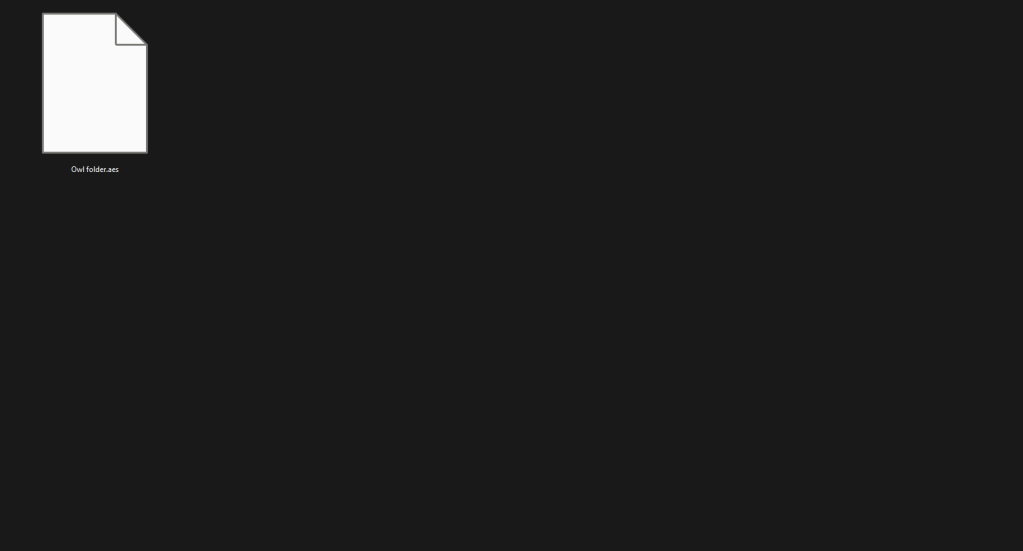
The encrypted directory will now just appear as a single file with a .aes extension.
Decrypting the directory is just as simple. Just use the buttons on the screen to select the .aes file, then either manually enter the encryption key and IV, or import them if you used the export option in the previous step.

As you can see below, the directory and all the files within will be decrypted to their original content.


The source code and direct executable download of the project are listed below:
Source Code: https://github.com/ericw317/EncryptionGUI
Direct executable: https://sourceforge.net/projects/aes-256-encryption/

 Wise Forensics
Leave a comment