
A lot of forensic analysis can be done through the manipulation of registry files. The main obstacle is that most registry files (including SYSTEM, SAM, SECURITY, SOFTWARE, and NTUSER.DAT) are locked while the system is running. If you try to open or copy these on a live system you will get an error message reading, “The action can’t be completed because the file is open in System.” This issue is typically circumvented by using specialized software or imaging the computer and then extracting the registry files. I created a quick, simple program that can extract these files on a live system within a few seconds.
How It Works
The program is pretty simple. It just creates a volume shadow copy on the system, copies the registry files out of that, and then deletes the shadow copy. When you open the software, you’ll be presented with this screen.
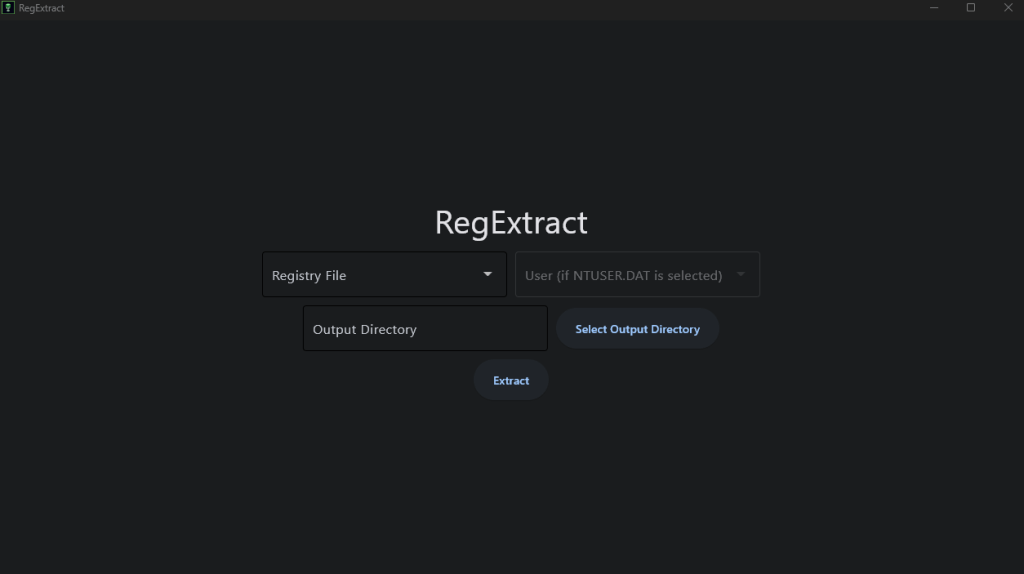
This is what the options do:
Registry File: This is a dropdown box to select a registry file to extract (SYSTEM, SOFTWARE, SAM, SECURITY, or NTUSER.DAT).
User: Becomes available if you have selected to extract the NTUSER.DAT file. In this case, you can select which user’s NTUSER.DAT file to extract.
Output Directory: This is where you will select the directory to copy the registry file to.
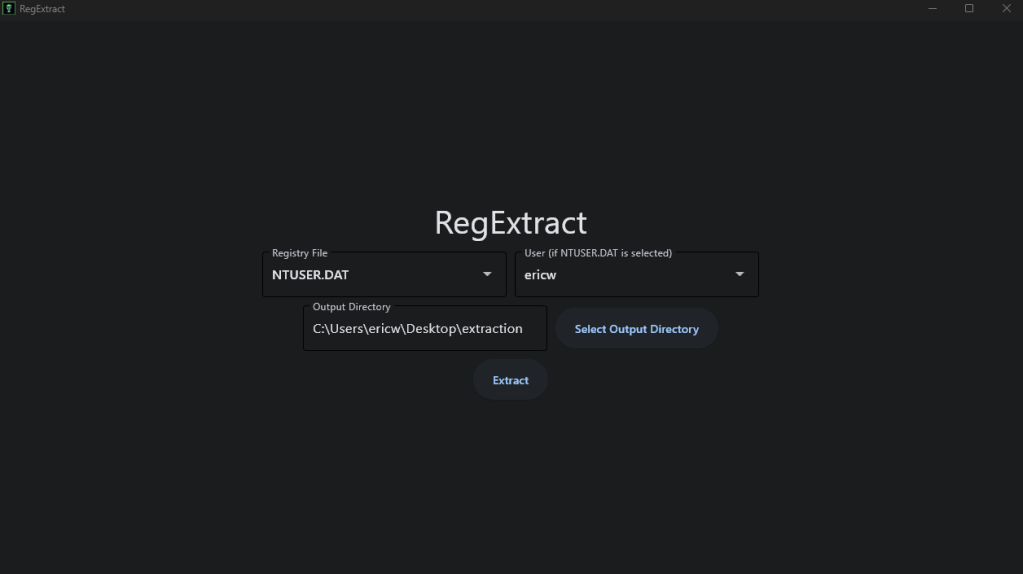
After you’ve selected all the options, just click “Extract” and the program will copy the selected registry file to the output directory you’ve specified.
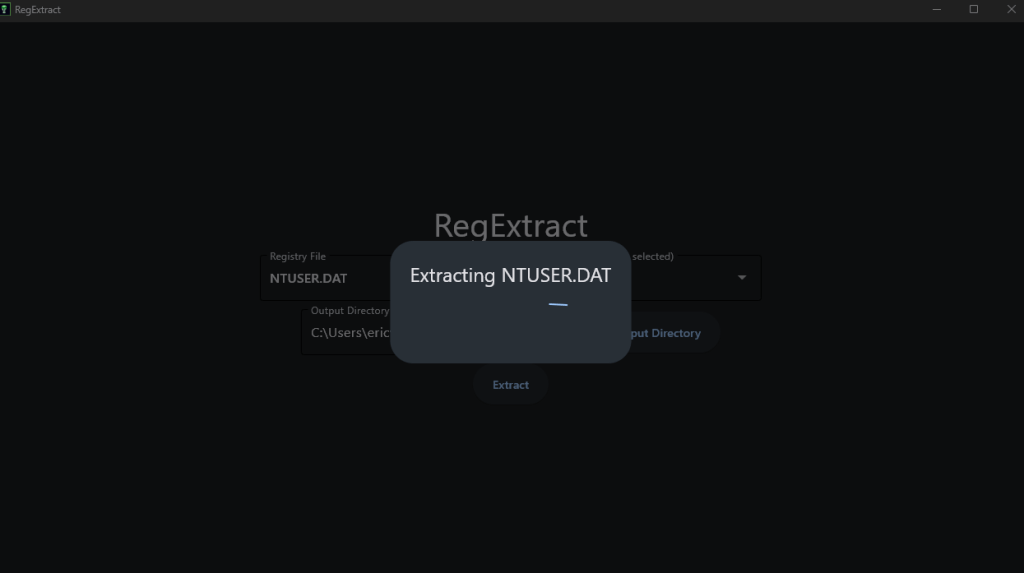
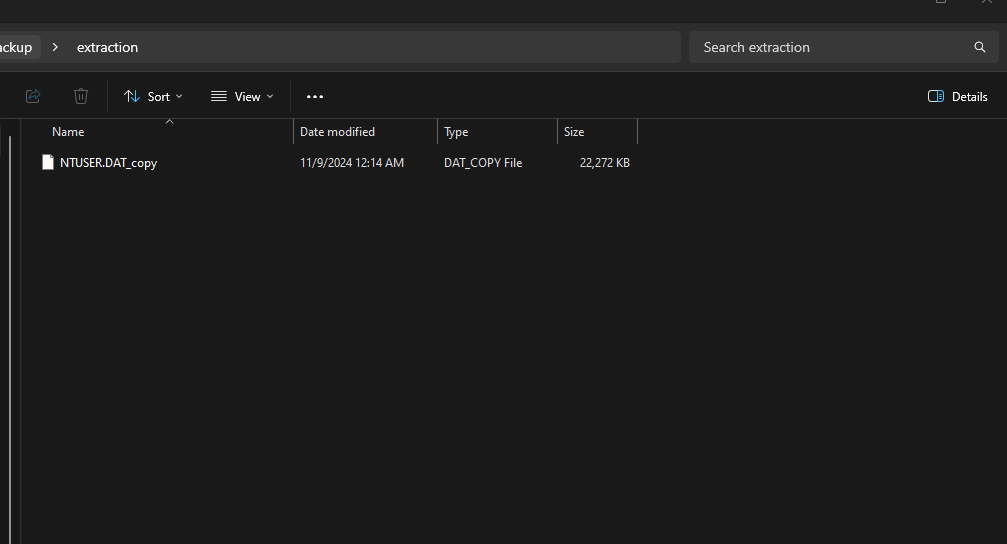
The source code is available on my GitHub page and the direct executable download is available on SourceForge.
GitHub Source Code: https://github.com/ericw317/RegExtract
SourceForge Direct Executable: https://sourceforge.net/projects/regextract/

 Wise Forensics
Leave a comment