
The Windows registry is a goldmine for forensic data; however, looking through all the registry files by hand can quickly become overwhelming. There are so many keys in each registry hive, and often times the information that an investigator needs is only located in a small portion of the available files listed here. To make this process more efficient, I’ve created a python program that greatly simplifies this process. This program is heavily inspired by RegRipper. I’ve used RegRipper before, and I have found that unless you spend time learning about all the plugins involved with it, it doesn’t help out all that much. My solution was to create this software, RegEasy, to make data extraction from the Windows registry as simple and efficient as possible.
How It Works
The program is very user-friendly. When you start it up, you can use the navigation to select which type of registry file you want to parse.
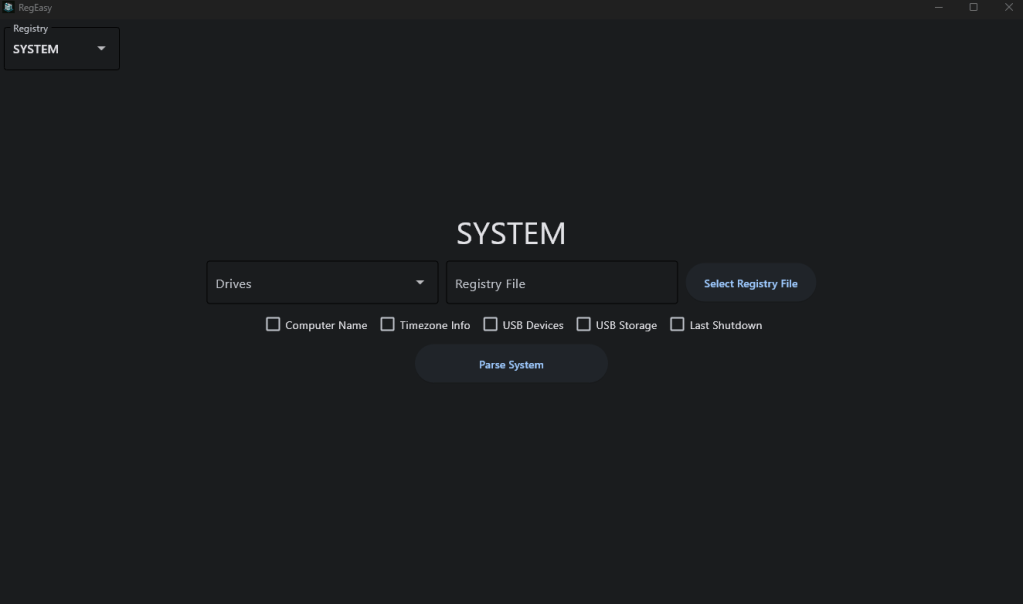
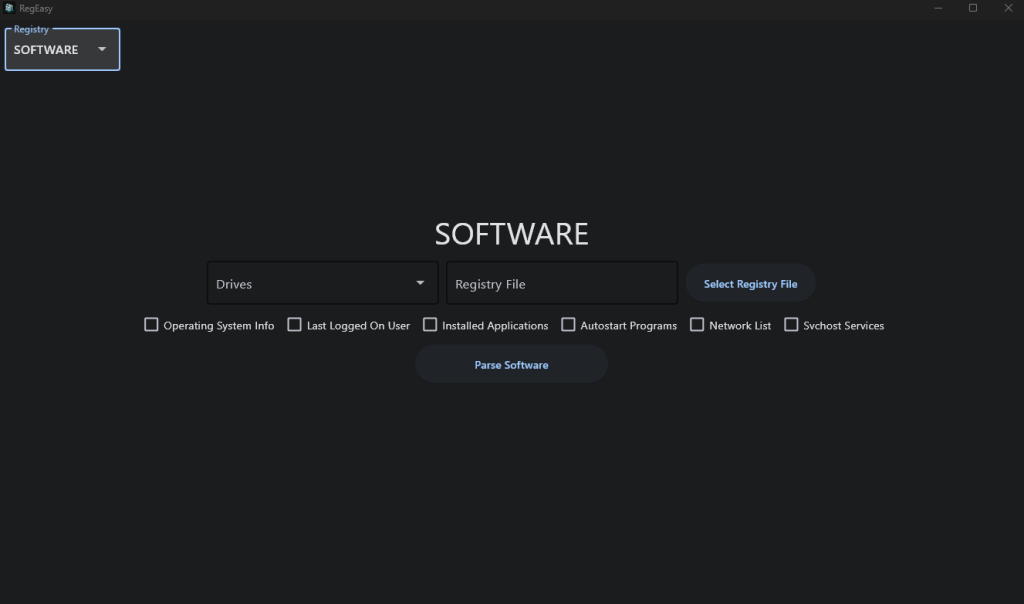
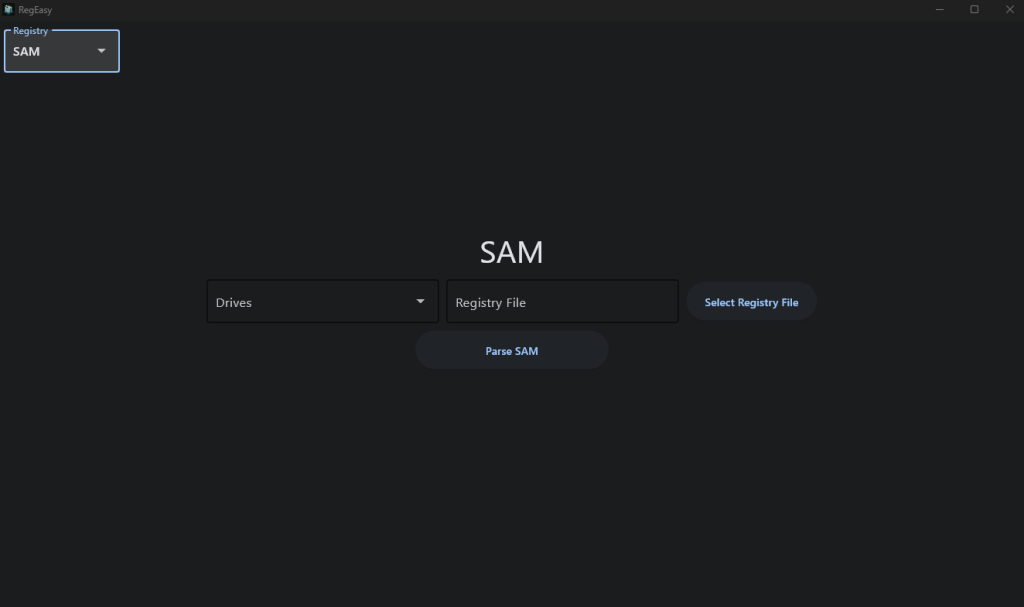
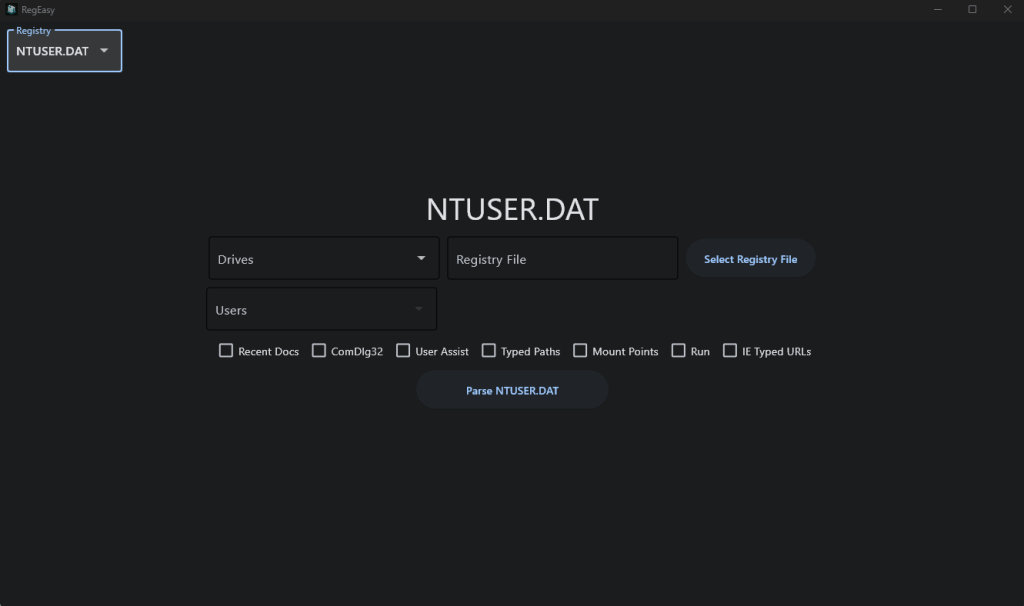
When you’re on the page that corresponds to the registry file you want to parse, you have the option between selecting from the “Drives” list or selecting a registry file directly. The “Drives” list will let you choose any drive that is currently connected to your computer, and from there the program will automatically search the drive for the registry file you’re looking for. If you have already extracted the registry file you want to analyze, then you can input it directly using the “Select Registry File” button. After that, you just select the checkboxes for each piece of information you want to extract from that registry file. For this demonstration, I selected a drive where I mounted a disk image from Digital Corpora, and I’m going to parse the SYSTEM file.
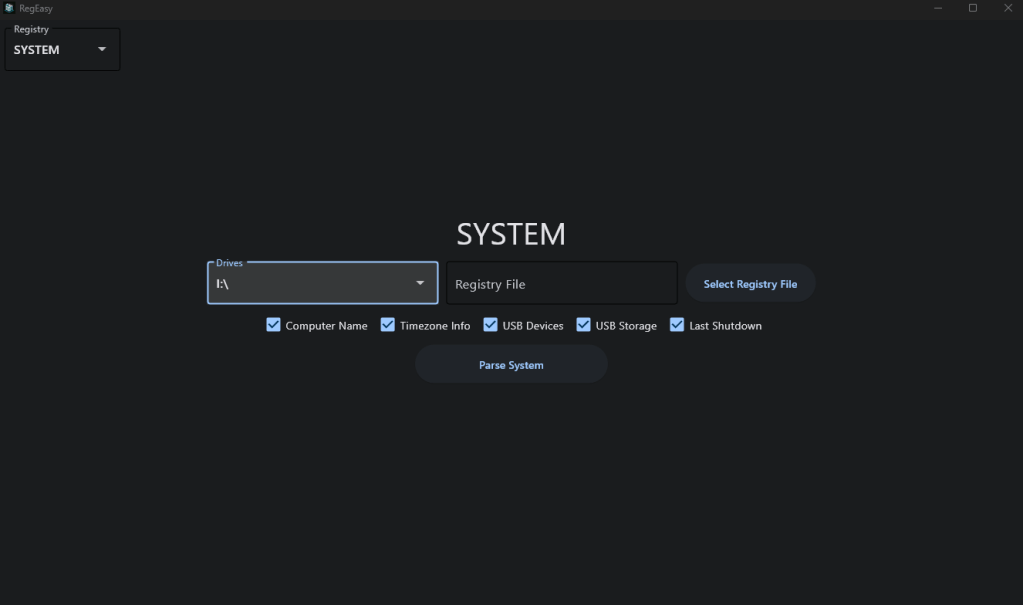
After you have everything selected, all you need to do is click the “Parse” button, and all of the information will be output to a text file in the same directory where you ran the program.
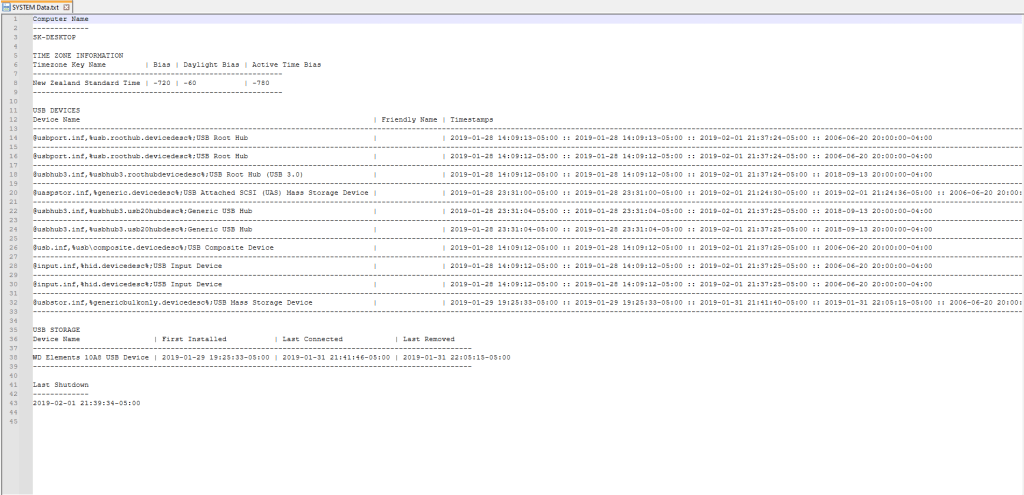
And that’s all. It’s that simple. You can then continue looking through more registry files to extract more information. This program can even be useful for password cracking. If you parse the SAM hive, you will get a list of user profiles on that computer and information about them, including their NTLM hash. If you manage to crack their NTLM hash using resources like rainbow tables or password cracking software, you will then have that user’s logon password.

RegEasy makes Windows registry analysis much more efficient, which can save you a lot of time in an investigation. The source code is available on GitHub and the direct executable is available on SourceForge.
UPDATE 11/20/204:
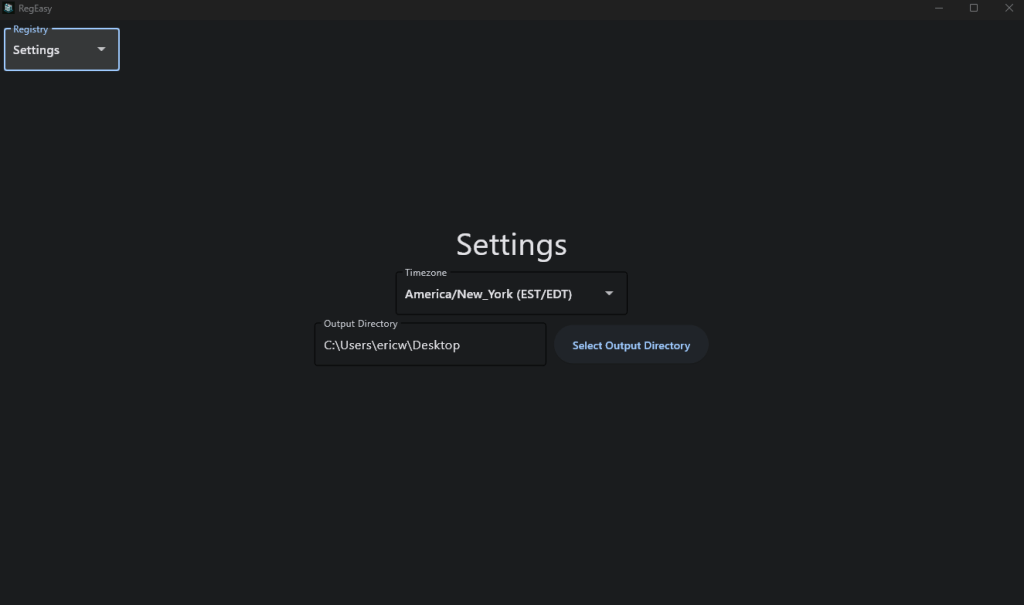
I’ve added a “Settings” page where you can select the time zone you want the program to convert the dates and times to as well as an option to select the output directory for the parsed data.
GitHub: https://github.com/ericw317/RegEasy_GUI
Executable: https://sourceforge.net/projects/regeasy/
Note:
This program is often falsely flagged as malware. This is because I used the python library “Impacket” in this program to extract the NTLM hashes. Impacket often gets falsely flagged as malware due to its use in network exploitation and penetration testing. The code is open source for transparency so you can confirm nothing malicious is happening here.

 Wise Forensics
Leave a comment